Uploads by Admin2
From RCampus Wiki
Jump to navigationJump to search
This special page shows all uploaded files.
| Date | Name | Thumbnail | Size | Description | Versions |
|---|---|---|---|---|---|
| 17:31, 22 August 2016 | HTA-2016-Finalist-Logo small2.jpg (file) |  |
567 KB | OC Technology Alliance 23rd Annual High-Tech Awards Finalist 2016 | 1 |
| 20:34, 25 July 2016 | HTA-2016-Finalist-Logo small.jpg (file) |  |
573 KB | OC Technology Alliance 23rd Annual High-Tech Awards Finalist 2016 | 1 |
| 17:55, 6 January 2015 | Rcampus.gif (file) |  |
5 KB | 1 | |
| 16:27, 15 October 2014 | Capterra-featured-top20-lms-badge-small.png (file) |  |
45 KB | 1 | |
| 16:19, 15 October 2014 | Capterra-featured-top20-lms-badge.png (file) |  |
190 KB | RCampus is on the 20 top most popular LMS | 1 |
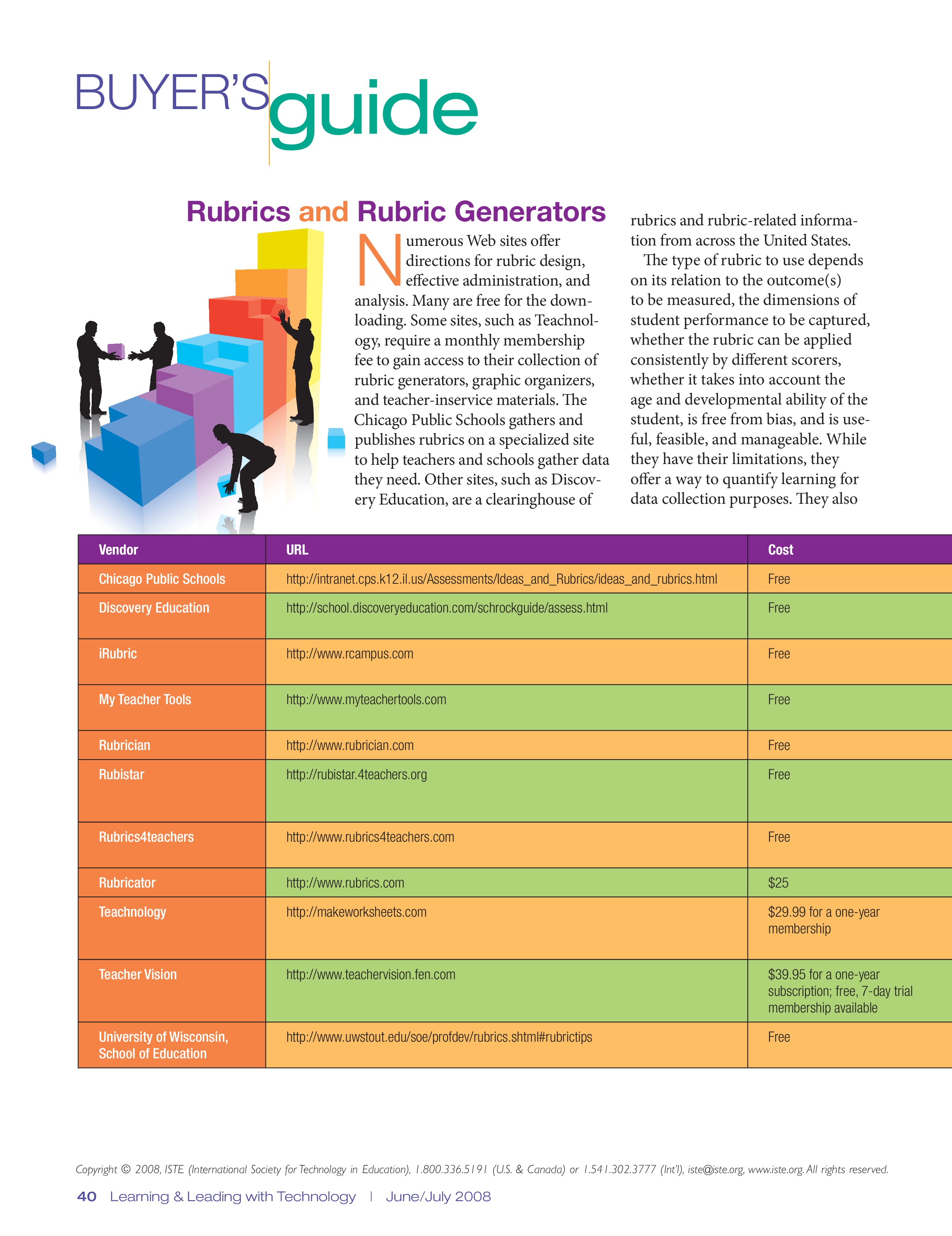
| 21:08, 25 March 2014 | ISTE Buyer's guide 2.jpg (file) |  |
1.26 MB | 1 | |
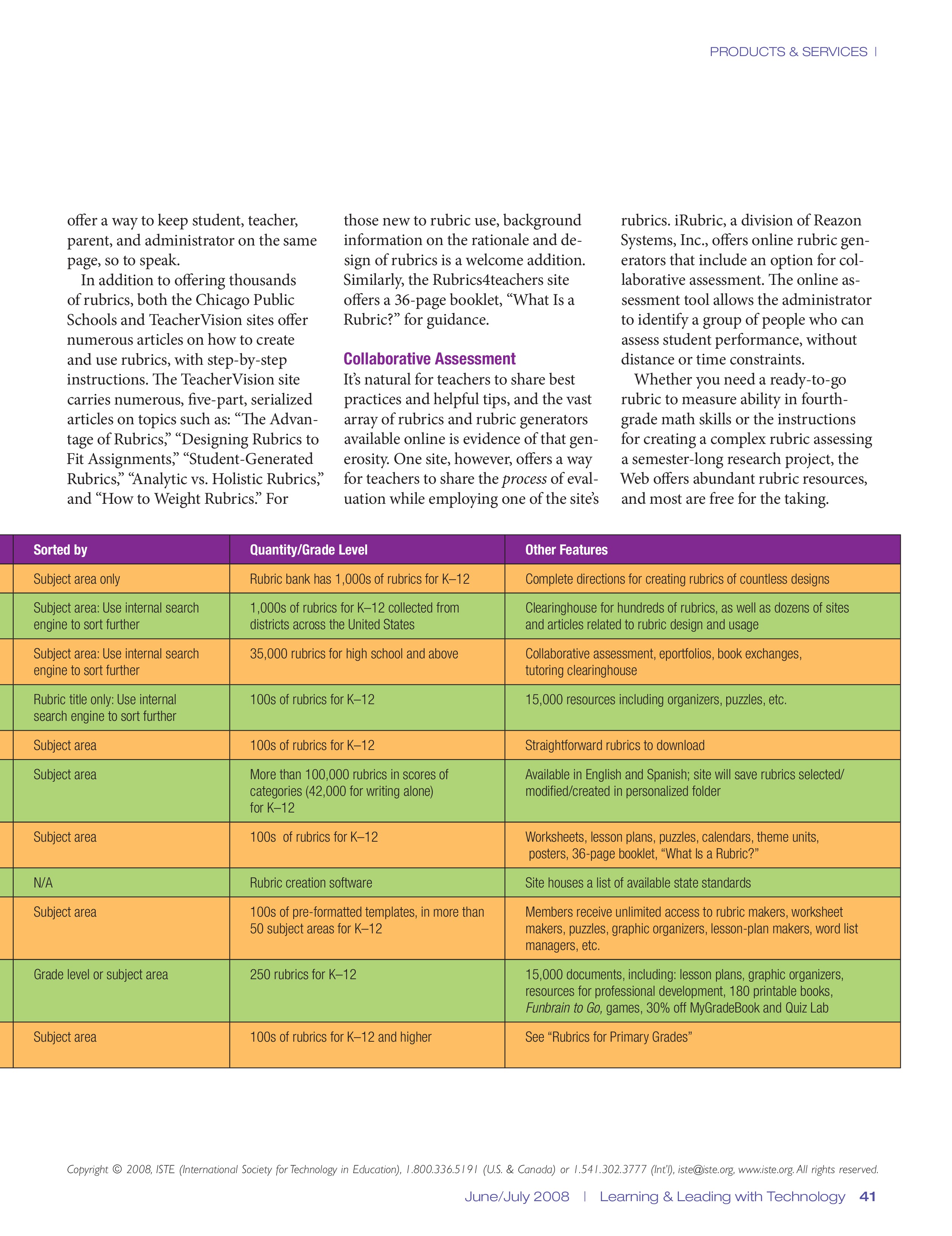
| 21:05, 25 March 2014 | ISTE Buyer's guide.jpg (file) |  |
967 KB | 1 | |
| 23:27, 12 January 2011 | RCampus Open ID.jpg (file) |  |
8 KB | RCampus Open ID allows faster log in. | 1 |
| 01:01, 13 August 2010 | RCampus Platform.jpg (file) |  |
1.14 MB | 1 | |
| 00:59, 13 August 2010 | RCampus ePortals.jpg (file) |  |
941 KB | 1 | |
| 00:58, 13 August 2010 | RCampus LMS.jpg (file) |  |
1.05 MB | 1 | |
| 00:55, 13 August 2010 | RCampus ePortfolios.jpg (file) |  |
1.04 MB | 1 | |
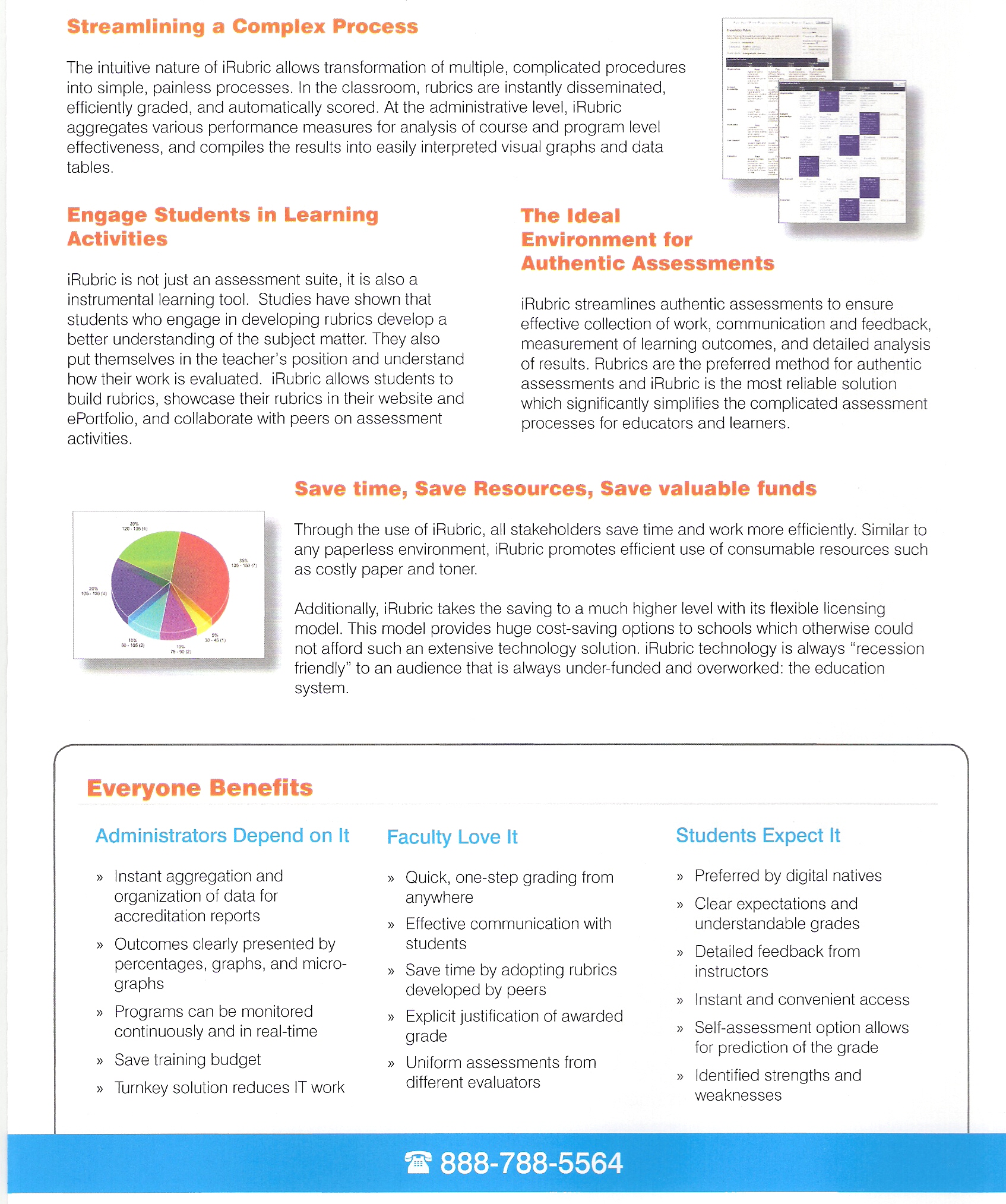
| 23:50, 12 August 2010 | IRubric Page 2.jpg (file) |  |
1.22 MB | iRubric Brochure Page 2 | 1 |
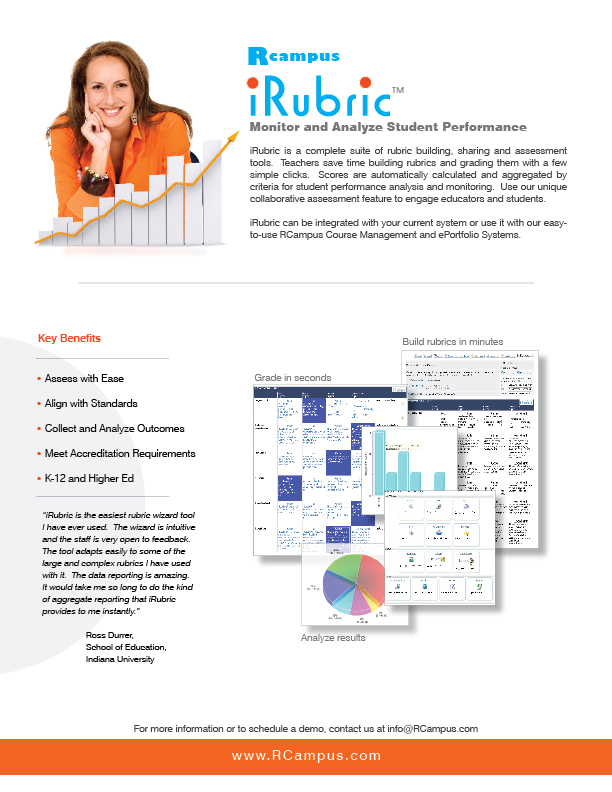
| 23:48, 12 August 2010 | IRubric Page 1.jpg (file) |  |
1.45 MB | iRubric Brochure Page 1 | 1 |
| 00:30, 12 May 2010 | TechAm Finalist 2010 WH small.JPG (file) |  |
7 KB | TechAmerica High-Tech Innovation Awards Finalist 2010 | 1 |
| 18:37, 19 March 2009 | Letter - eCommunities - School Edition.jpg (file) |  |
235 KB | Brochure - eCommunities School Edition | 1 |
| 18:35, 19 March 2009 | Letter - eLearning - School Edition.jpg (file) |  |
230 KB | Brochure - eLearning School Edition | 1 |
| 18:33, 19 March 2009 | Letter - iRubric - School Edition.jpg (file) |  |
243 KB | Brochure - iRubric School Edition | 1 |
| 18:29, 19 March 2009 | Letter - ePortfolios - School Edition.jpg (file) |  |
245 KB | Brochure - ePortfolios School Edition | 1 |
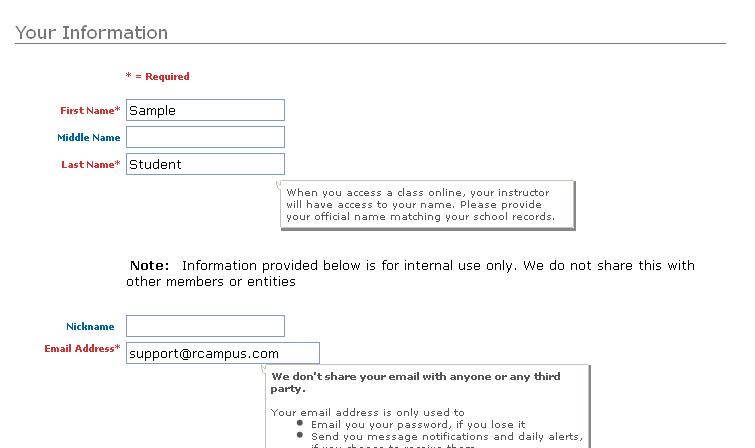
| 22:15, 4 November 2008 | Account Info.JPG (file) |  |
35 KB | 1 | |
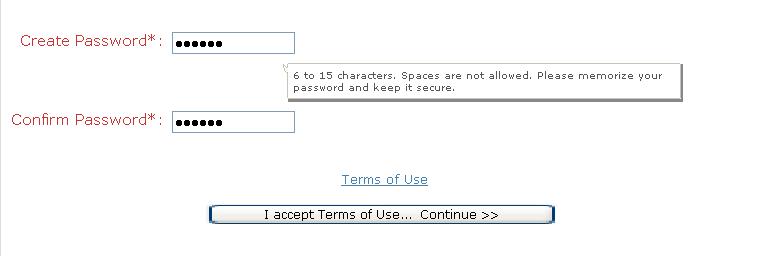
| 22:15, 4 November 2008 | Create password.JPG (file) |  |
16 KB | 1 | |
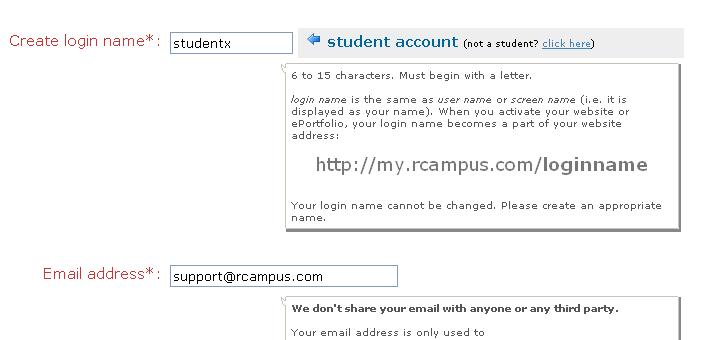
| 22:15, 4 November 2008 | Create login name.JPG (file) |  |
29 KB | 1 | |
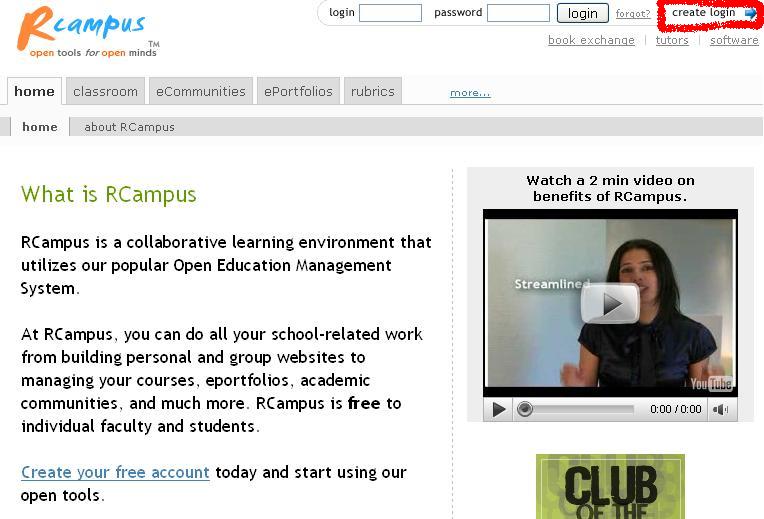
| 22:08, 4 November 2008 | Create Account 2.JPG (file) |  |
62 KB | 1 | |
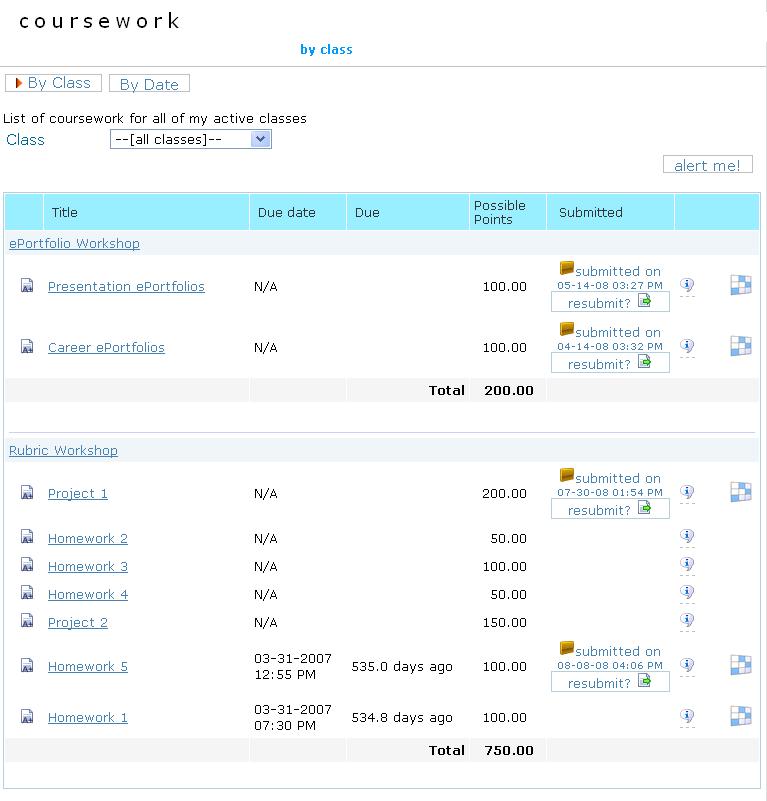
| 21:08, 16 September 2008 | Student submission.JPG (file) |  |
63 KB | Assignments submitted online are time-stamped. | 1 |
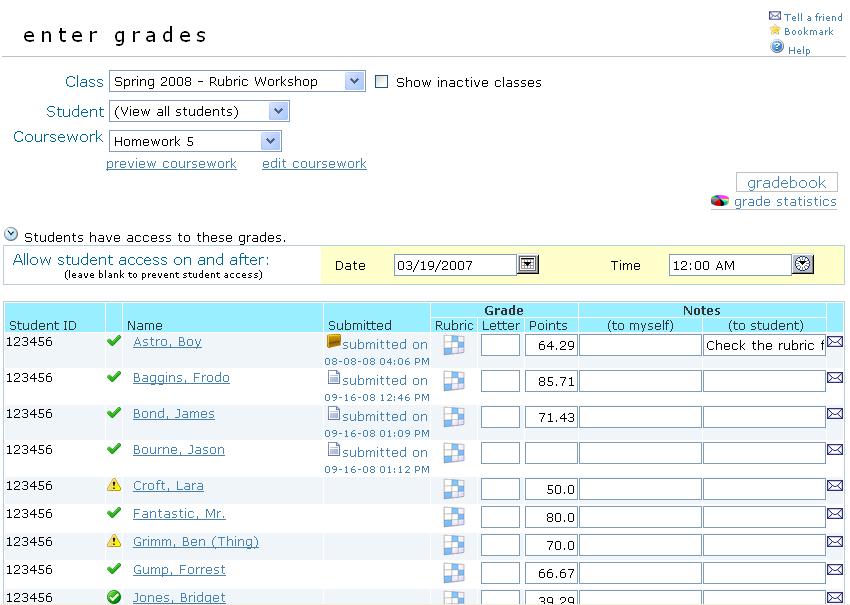
| 20:22, 16 September 2008 | Gradebook coursework2.JPG (file) |  |
83 KB | Enter student grades for each coursework, set grade access date, open student submission, grade with rubric, leave notes for students or yourself. | 1 |
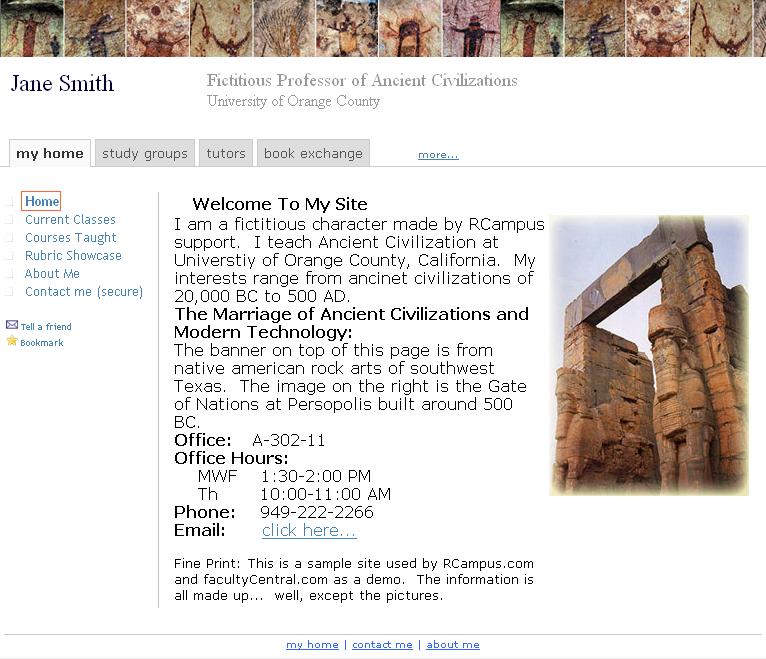
| 21:05, 6 August 2008 | Faculty website.JPG (file) |  |
98 KB | Sample faculty website | 1 |
| 22:25, 11 July 2008 | IRubric.JPG (file) |  |
5 KB | 1 | |
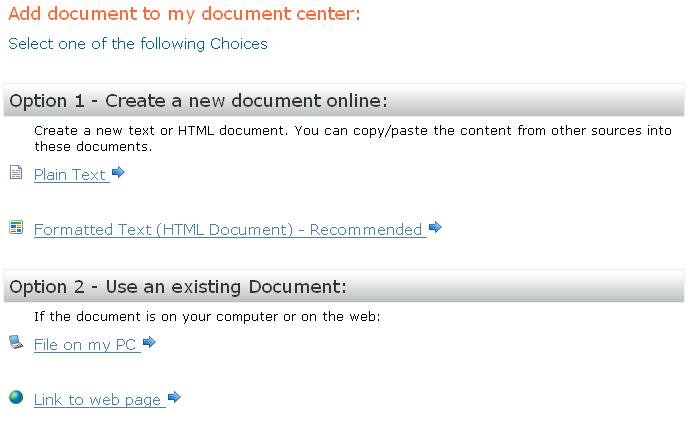
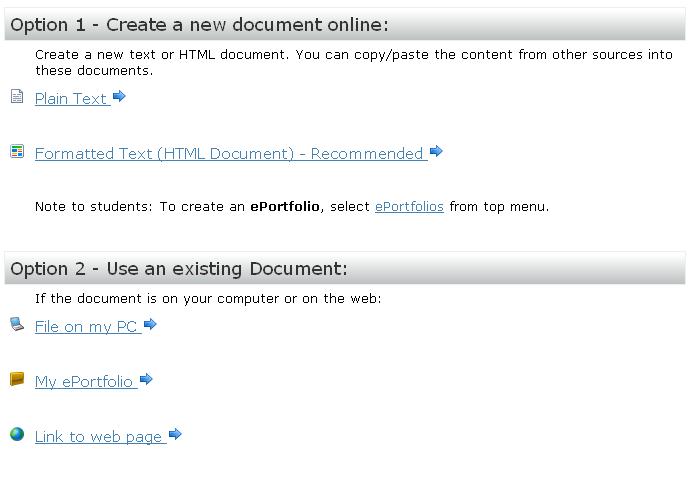
| 21:41, 11 July 2008 | UploadDocument.JPG (file) |  |
35 KB | Create a new document online or upload an existing document. | 1 |
| 20:00, 11 July 2008 | EditButtons.JPG (file) |  |
59 KB | Orange edit buttons are conveniently located next to the item to be edited. | 1 |
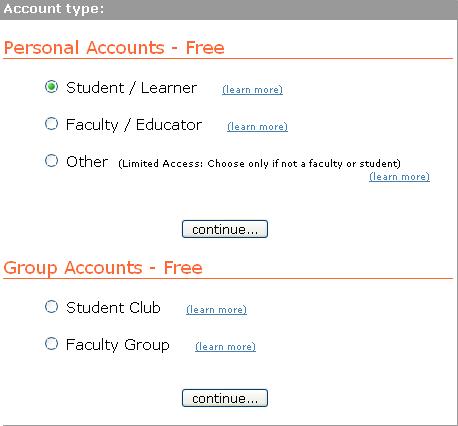
| 00:28, 9 July 2008 | AccountTypes2.JPG (file) |  |
23 KB | There are different functions designed for different account types. Please choose your member account type carefully. | 1 |
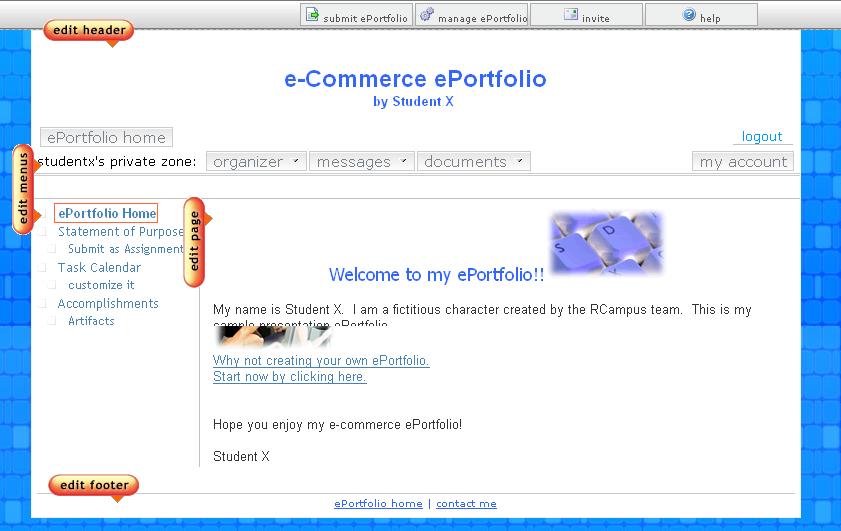
| 00:54, 29 May 2008 | SampleWebpage.JPG (file) |  |
10 KB | Sample web page with an uploaded image and a link to an external website. | 1 |
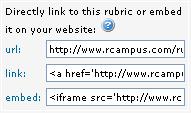
| 17:40, 28 May 2008 | Link Embed.JPG (file) |  |
8 KB | Use the code provided for linking or embedding an item on your website. | 1 |
| 23:23, 5 April 2008 | CourseworkSubmission.JPG (file) |  |
36 KB | Students can submit different file types from the online submission page. | 1 |
| 00:10, 4 April 2008 | AdminMenus.JPG (file) |  |
3 KB | 1 | |
| 22:42, 3 April 2008 | TextSize.JPG (file) |  |
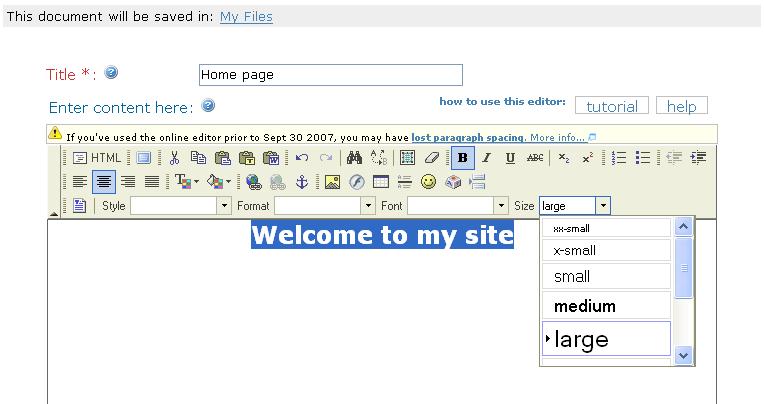
40 KB | 1 | |
| 22:42, 3 April 2008 | HighlightText.JPG (file) |  |
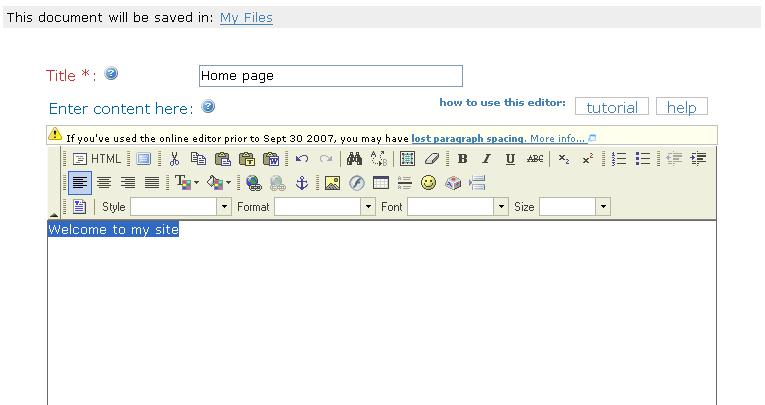
33 KB | 1 | |
| 22:40, 3 April 2008 | Title Message.JPG (file) |  |
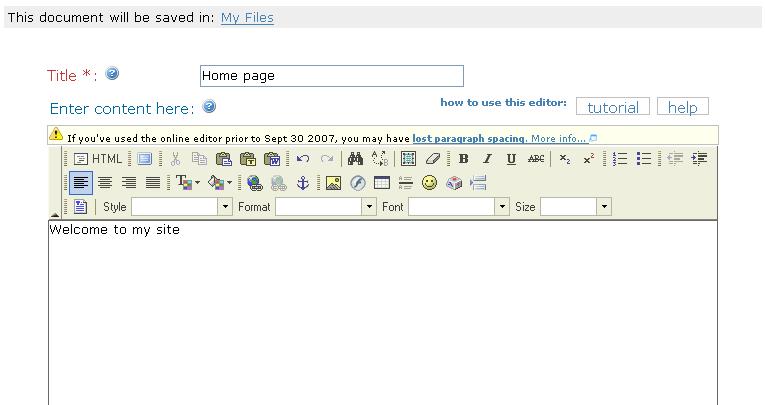
32 KB | 1 | |
| 22:27, 3 April 2008 | Colors.JPG (file) |  |
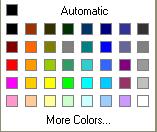
7 KB | 1 | |
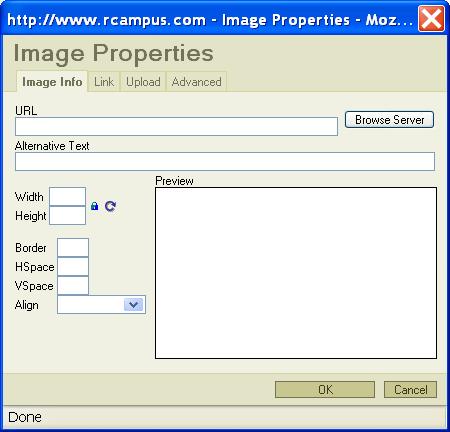
| 23:36, 17 March 2008 | ImageProperties.JPG (file) |  |
29 KB | 1 | |
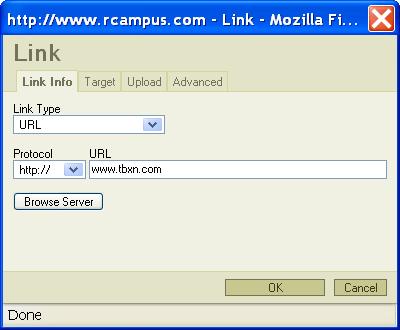
| 23:30, 17 March 2008 | InsertLink.JPG (file) |  |
20 KB | 1 | |
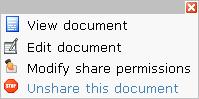
| 19:30, 15 October 2007 | SharedDocsMenu.JPG (file) |  |
7 KB | Once you shared a document, you can edit, modify whom to share with or unshare the document from the Shared Docs page. Only members of the site have access to documents in the Shared Docs. | 1 |
| 23:42, 2 October 2007 | OnlineEditor.JPG (file) |  |
13 KB | 2 | |
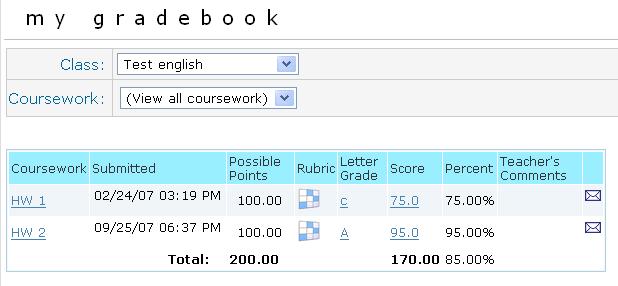
| 01:44, 26 September 2007 | StudentGradebook class.JPG (file) |  |
28 KB | Student's gradebook shows all grades received for a class, graded rubrics,time stamp of assignment submissions, and links to details and messaging. | 1 |
| 18:43, 6 September 2007 | Rubric information.JPG (file) |  |
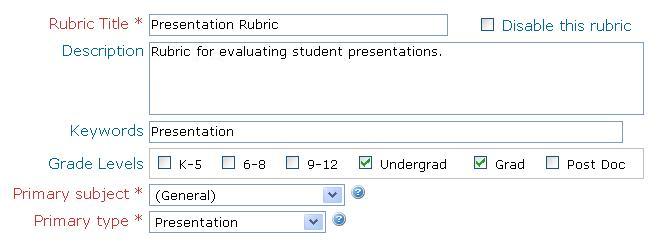
25 KB | 2 | |
| 22:25, 15 April 2007 | Tbxn.JPG (file) |  |
2 KB | 1 | |
| 23:22, 9 April 2007 | RubricIcons.JPG (file) |  |
2 KB | Use these rubric icons to edit, print, copy, bookmark, grade or apply a rubric. | 2 |
| 05:58, 30 March 2007 | CourseProperties.JPG (file) |  |
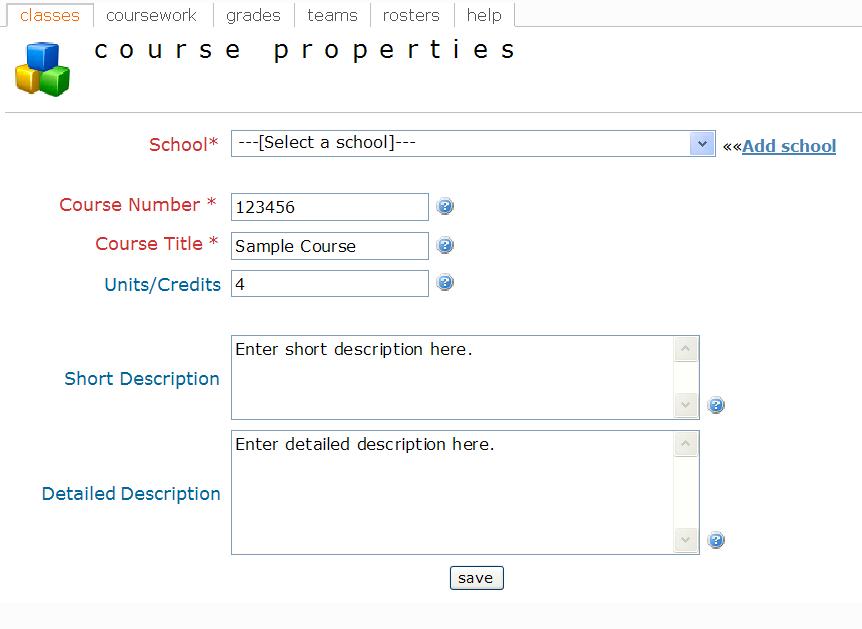
46 KB | You can enter information and description of a course in the Course Properties page. | 1 |
| 18:32, 22 March 2007 | ClassMenuStudent.JPG (file) |  |
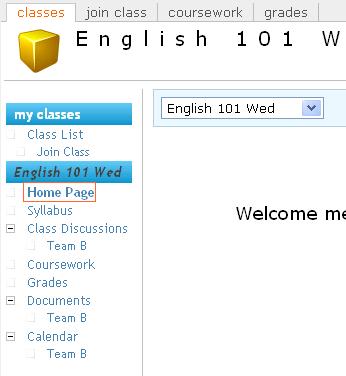
19 KB | When a student signs up with a class, these class menus will become available. If a student is assigned to a team, team menus will also be available. | 1 |
| 23:26, 2 March 2007 | ApplyRubric.JPG (file) |  |
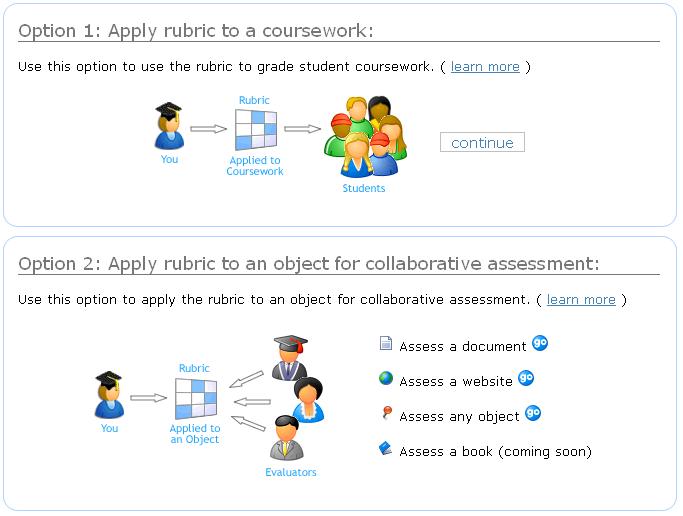
43 KB | 2 | |
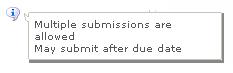
| 00:54, 2 March 2007 | SubmissionNotice.JPG (file) |  |
4 KB | Submission guidelines will appear after moving a cursor over the information icon. | 1 |